One switch, whole batch
Blur license plates in car photos
Tick one box and every plate in the batch is found and blurred in the same pass that removes the background. No masking by hand, and nothing else on the car is touched.
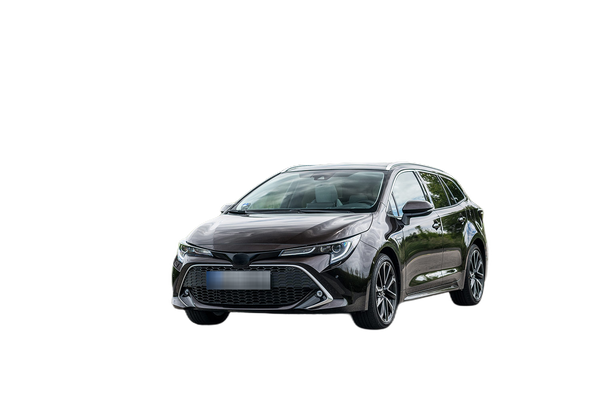
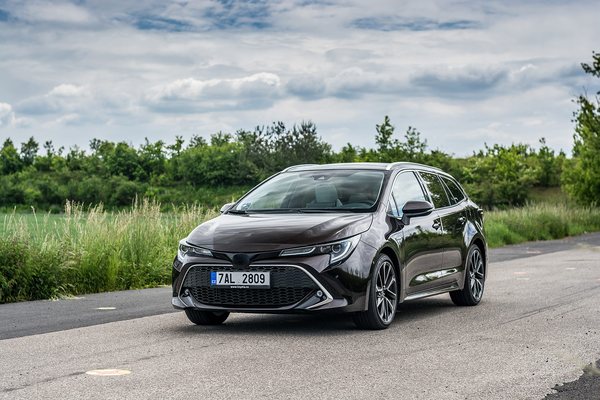
Why plates come off listing photos
A plate ties a photograph to one specific car and, through a lookup, to whoever owned it. Once a listing is public the photo travels — aggregators, social posts, screenshots — and it keeps the plate with it long after the car is sold.
Taking it out costs nothing and removes the question. It also makes a photo reusable: the same shot works for the next listing, and for a stock image of that trim, without advertising a number that belonged to a customer.
- Every photo in the batch Tick it once on the upload screen. It applies to the whole job, not per photo.
- Found for you The plate is located in the frame automatically. Nothing to draw, nothing to line up.
- Nothing else on the car altered Paint, trim, badges and the reflection in the glass come back as they were. The background is removed either way — plate blur is an option on that job, not a job of its own.
Where it happens
- Drop a day of photos in, or a zip straight off the camera card.
- Tick hide license plate, pick a background, and confirm the cost.
- One progress bar, one zip back, every plate already dealt with.
Plate blur is part of the 3 cents a photo, not an extra. Photos that fail to process are never charged — see pricing .